
Project
How MimOS is built, how it is tested, and what is still ahead.
How an image is built
A MimOS image is not assembled by hand: it comes out of the same chain every time, and each step leaves something that can be checked again later.
Start from the official profile
Archiso releng, copied as-is from the Arch package. MimOS keeps no fork.
Apply the MimOS layer
A small, auditable delta: package list, identity, services and the twelve in-house packages, built from recipes in the tree.
Compose the ISO
mkarchiso produces the image, its SHA-256, the package manifest and a build record naming the exact commit.
Validate against those bytes
Nine scenarios in virtual machines, always against the exact image that will be published. Never against the source tree.
Sign and publish
David signs the ISO and the packages with a key this project has never held in two places. Then what the server serves is verified, not what was uploaded.
How it is tested
An image is not published because it looks right, but because nine scenarios have accepted it on its exact bytes. Each one really installs, in a virtual machine with its own disk, and ends by asserting something about the resulting system.
- A full installation, booting without the USB, and an audit of the installed system
- An installation with LUKS2 encryption: a wrong passphrase never boots
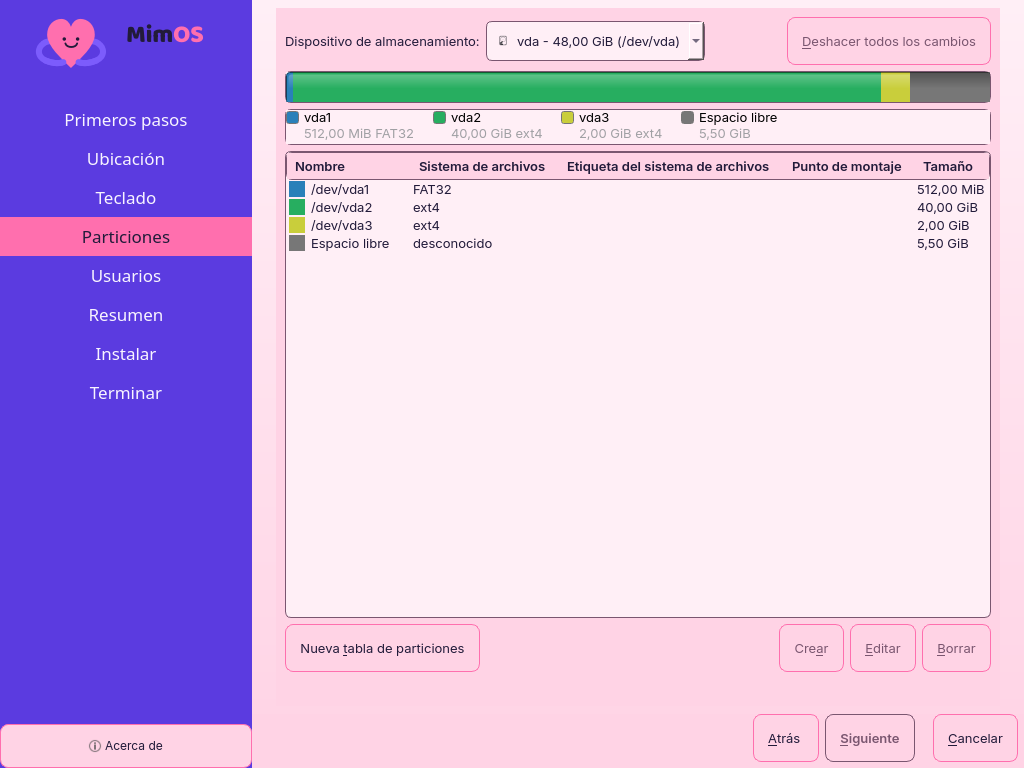
- Manual partitioning: three different fates on one disk
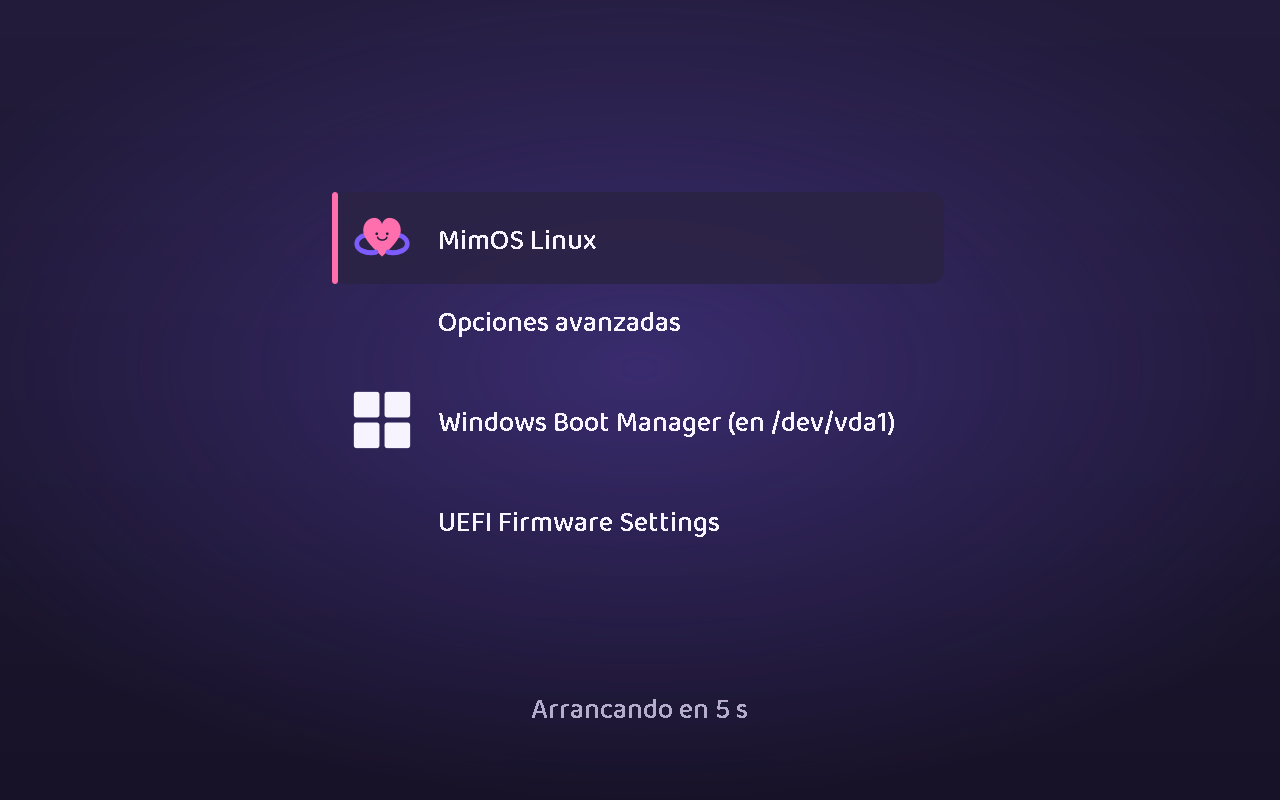
- Dual boot beside a real Windows, with both in the menu
- Breaking the system on purpose and restoring it from a snapshot
- The same thing, on an encrypted disk
- Cancelling halfway and proving the disk did not change by one byte
Technical base
MimOS does not maintain a complete Archiso fork. During the build, it copies the official releng profile and applies a minimal delta: extra package list, branding, and services.
Live system
- Architecture: x86_64
- Desktop: KDE Plasma on Wayland (SDDM)
- Networking: NetworkManager
- Audio: PipeWire + WirePlumber
- Ephemeral Live user: mimos
Installer
The installer opens Calamares under the reviewed MimOS policy. An accepted installation cannot be abandoned midway, a failed one discloses no password, and a credential with accents survives byte for byte. All measured against exact images in virtual machines, installation alongside Windows and manual partitioning included: it reuses your EFI partition without formatting it and touches nothing you did not name.
Centro de MimOS
Centro de MimOS is two applications. In the Live session it welcomes you, walks you to the installer and leaves you the community links; that package disappears when you install. On the installed system it becomes a card dashboard: first steps, installing applications, switching between MimOS Claro and Oscuro in one click, documentation, privacy and the support bundle. No telemetry and no network access, as always.
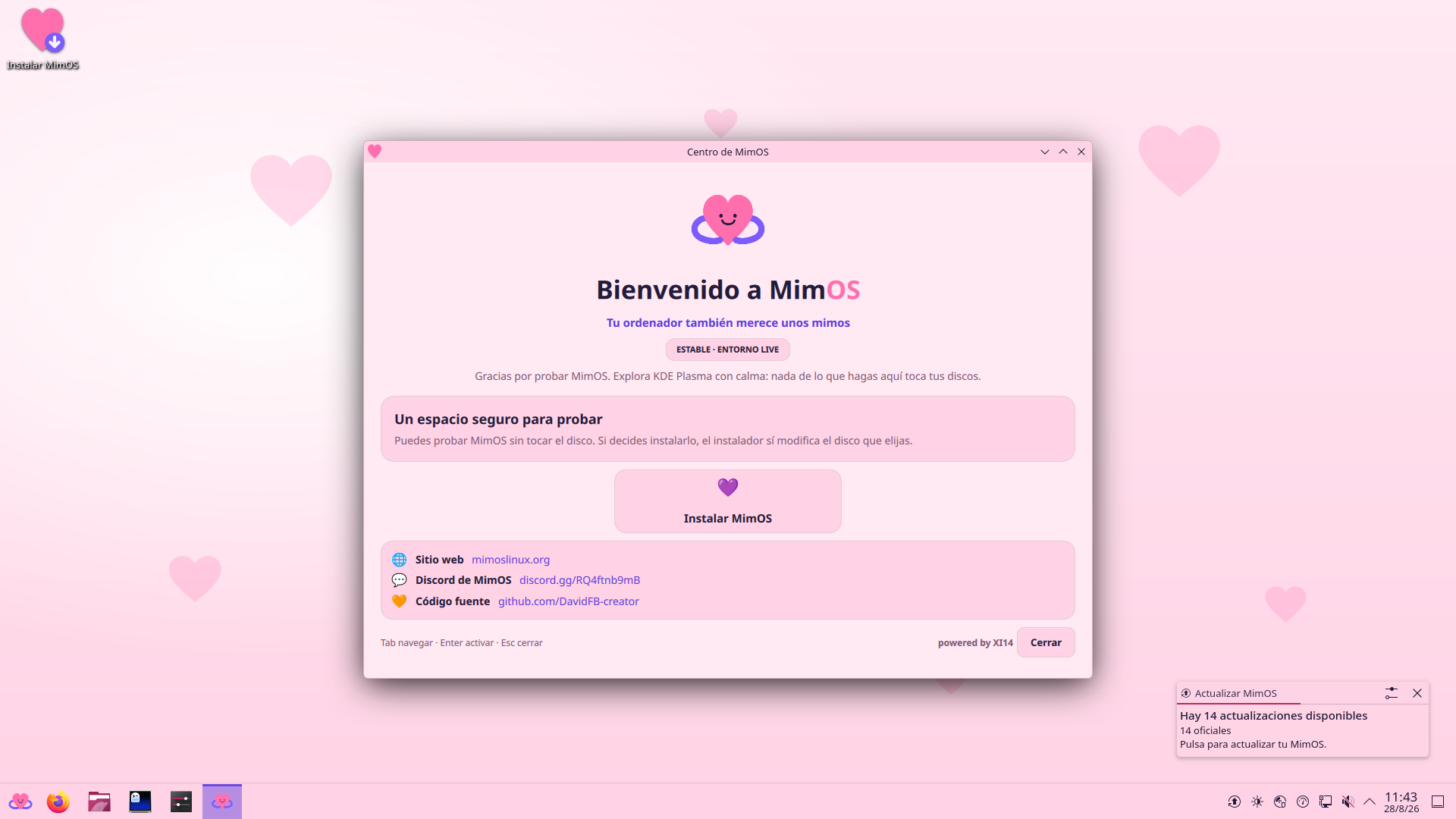
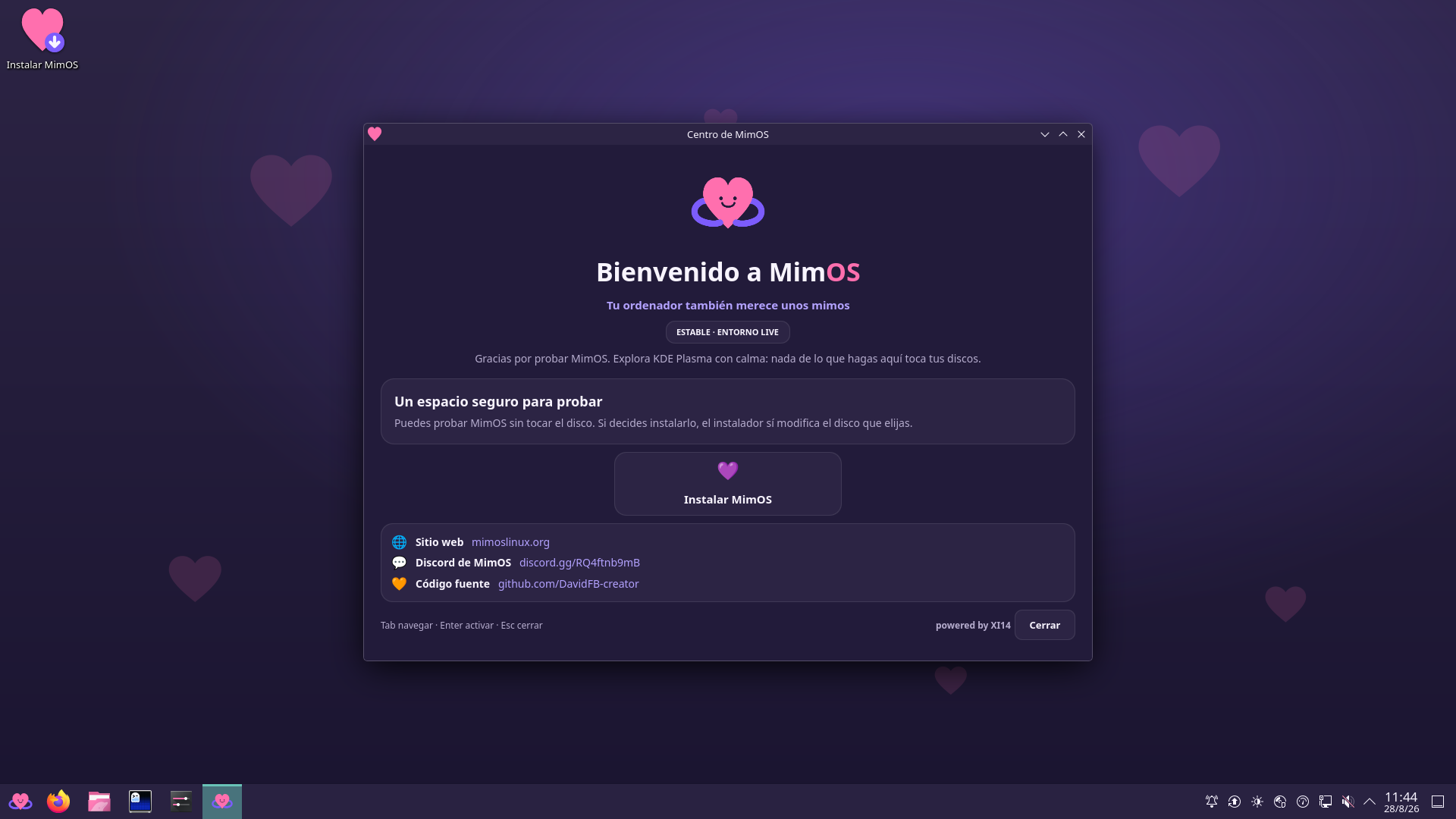
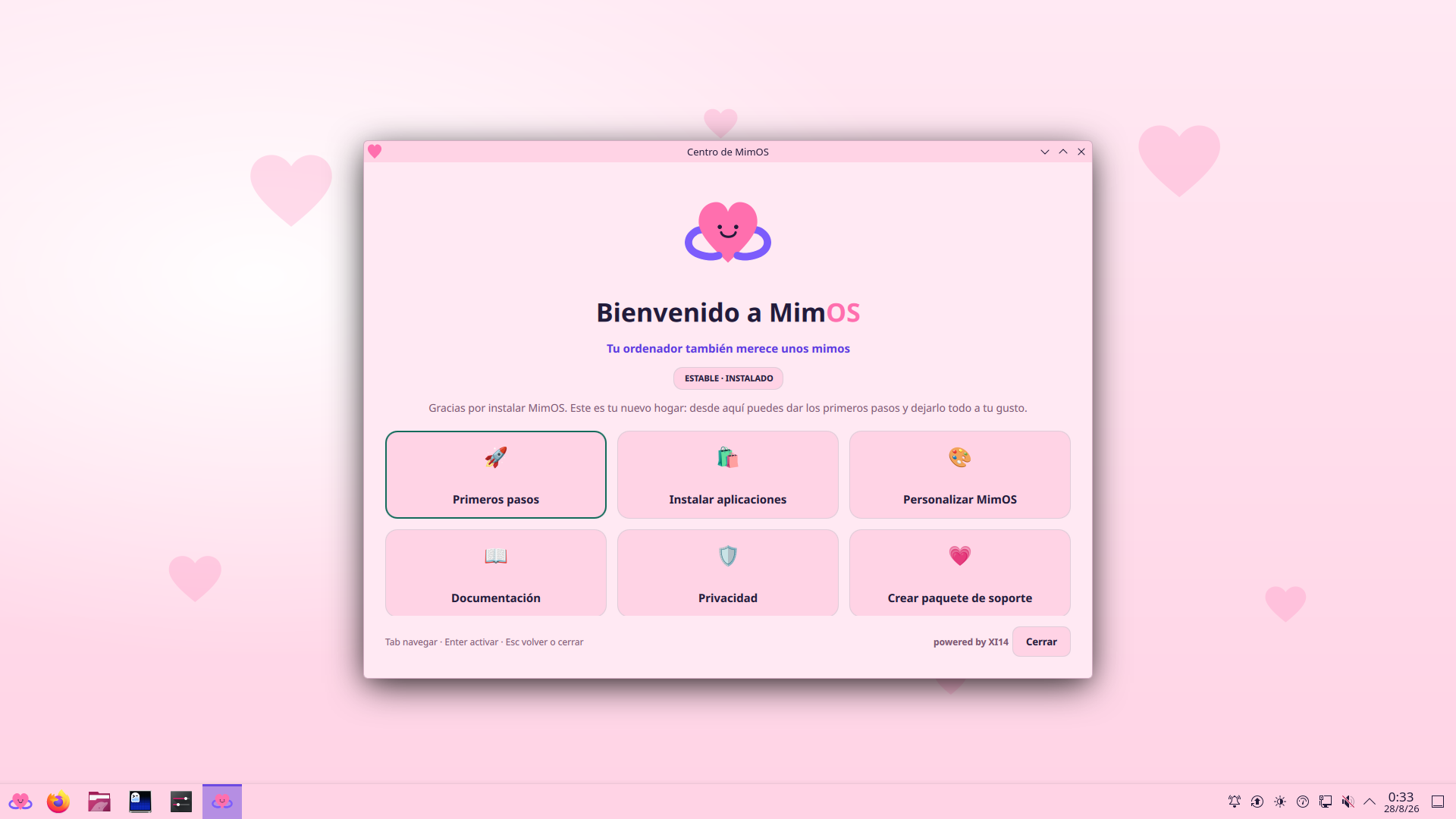
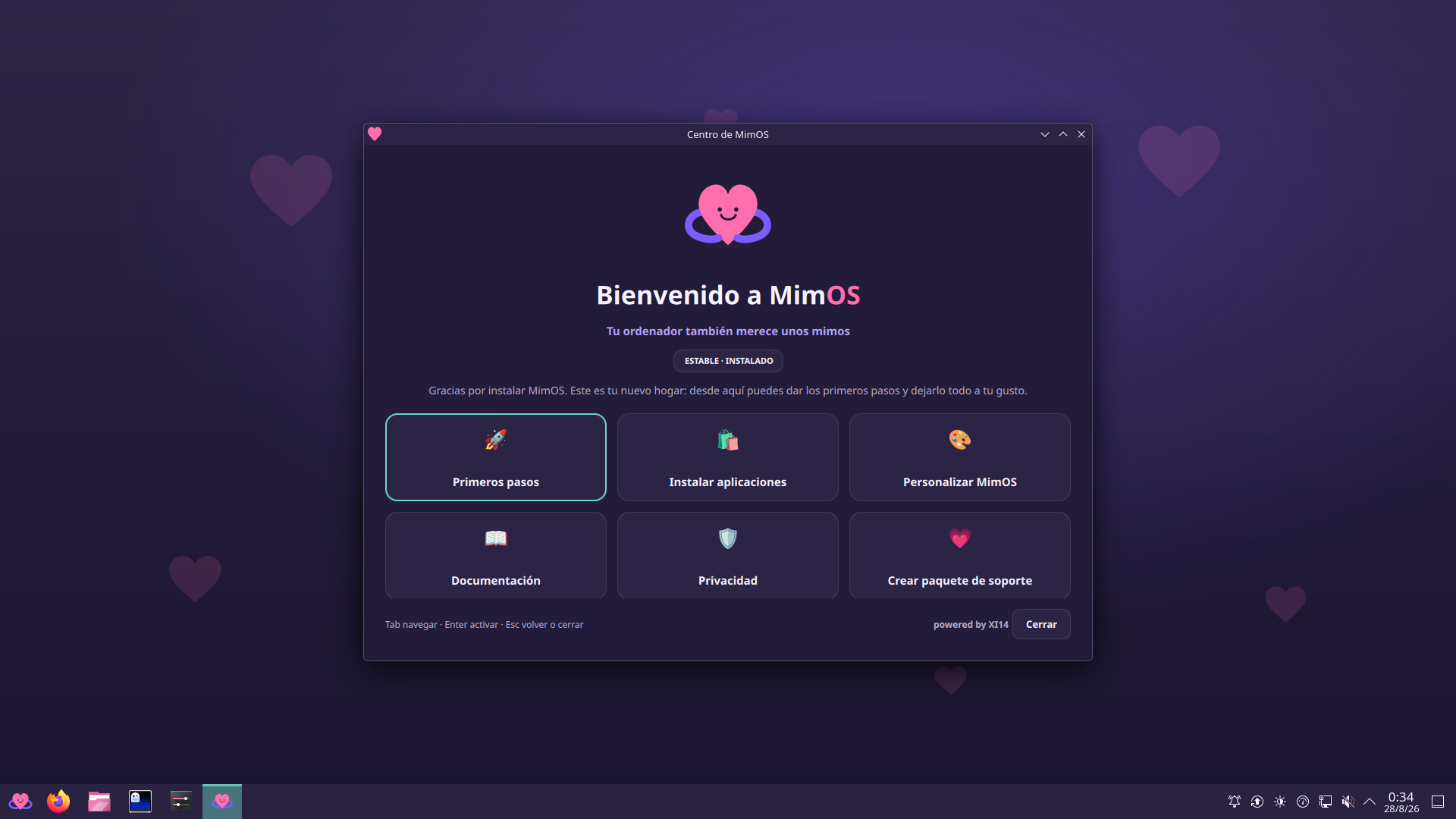
Every screenshot comes from the exact published 1.0 image. The installer and boot-menu ones were taken inside the acceptance battery itself, against those same bytes.
What is still ahead
MimOS 1.0 ships with its limits written down: some things are only closed by time and by people. What comes next is how new things reach machines that already exist — a meta package that carries whatever gets added later, and an update that can repair more than it repairs today.